目次
1. transitionについて
transition
- スタイルの変更の開始時から終了時までの挙動を設定する
- 開始時と終了時を定義するには?
- :hoverなどの疑似クラス(:active, :focusなど)を使用する
- javascriptを使用して、CSSのプロパティを変更する
例
.sample{background-color:red;width:200px;height:200px;transition:all0.5sease-out;}.sample:hover{background-color:blue;width:300px;}結果
transitionのプロパティを個別に設定する場合
以下の4つのプロパティが存在する。
- transition-property トランジションを適用する対象のCSSのプロパティの名前を指定
- transition-duration トランジションにかかる時間を指定
- transition-timing-function トランジションの速度変化を指定
- transition-delay トランジションを開始するまでの時間を指定
transition-property
トランジションを適用する対象のCSSのプロパティの名前を指定
.sample{background-color:red;width:200px;height:200px;transition-property:width;/* transitionの設定が適用されるのは、widthのみ */transition-duration:5s;}.sample:hover{background-color:blue;width:300px;}transition-propertyに設定できる値
・all 全てのプロパティ
・none プロパティ未指定
・margin-rightなど個別のプロパティ
例
.sample{background-color:red;width:200px;height:200px;transition-property:all;/* 全てのプロパティ(この場合、widthとbackground-color)が対象 */transition-property:none;/* 未指定 */transition-property:width,background-color/* widthとbackground-colorが対象 */transition-duration:5s,10s;/* 複数対応、widthが5sで、background-colorが10sで変わる */}.sample:hover{background-color:blue;width:300px;}transition-duration
トランジションにかかる時間を指定
.sample{background-color:red;width:200px;height:200px;transition-property:width;transition-duration:5s;/* 5sかけてスタイルが変更される */}.sample:hover{background-color:blue;width:300px;}transition-timing-function
トランジションの速度変化を指定
transition-timing-functionに設定できる値
- ease 開始時と終了時は緩やかに変化
- linear 開始から終了まで一定に変化
- ease-in 開始時は緩やかに変化、終了に近づくと早く変化
- ease-out 開始時は早く変化、終了に近づくと緩やかに変化
- ease-in-out easeよりもゆっくり入り、加速し、ゆっくり終わる
- step-start 開始自転で終了状態の値に変化する
- step-end 終了時点まで変化せず、終了時点で終了状態の値に変化する
- steps(ステップ数、ディレクション) 時間的変化をステップ数の数にステップに等分に区切って不連続に変化させる 、ディレクションにはstart or endを指定する
- cubic-beizer 自分でカスタムする
.sample{background-color:red;width:200px;height:200px;transition-property:width;transition-duration:5s;transition-timing-function:ease;transition-timing-function:linear;transition-timing-function:ease-in;transition-timing-function:ease-out;transition-timing-function:ease-in-out;transition-timing-function:step-start;transition-timing-function:step-end;transition-timing-function:steps(6,end);transition-timing-function:cubic-bezier(.29,1.01,1,-0.68);}.sample:hover{background-color:blue;width:300px;}transition-delay
トランジションを開始するまでの時間を指定
.sample{background-color:red;width:200px;height:200px;transition-property:width;transition-duration:5s;transition-delay:5s;/* 5s後にスタイルの変更が始まる */}.sample:hover{background-color:blue;width:300px;}transitionのプロパティをまとめて設定する場合
個別に設定した時と同様、
* transition-property
* transition-duration
* transition-timing-function
* transition-delay
を設定する。
.sample{/* プロパティ名 | 時間 */transition:margin-right4s;/* プロパティ名 | 時間 | 遅延 */transition:margin-right4s1s;/* プロパティ名 | 時間 | 時間関数 */transition:margin-right4sease-in-out;/* プロパティ名 | 時間 | 時間関数 | 遅延 */transition:margin-right4sease-in-out1s;/* 2つのプロパティへの適用 */transition:margin-right4s,color1s;/* 変化するすべてのプロパティへの適用 */transition:all0.5sease-out;}2. animationについて
animation
- キーフレームを利用したアニメーションを設定できる
@keyframesキーフレーム名{0%{始点のキーフレーム:アニメーションさせたいプロパティの初期状態}100%{終点のキーフレーム:アニメーションさせたいプロパティの最終状態}}または@keyframesキーフレーム名{from{始点のキーフレーム:アニメーションさせたいプロパティの初期状態}to{終点のキーフレーム:アニメーションさせたいプロパティの最終状態}}例
/* 「%」は時間の割合を示す */@keyframesmy_anime{0%{background-color:#f00;}50%{background-color:#0f0;}100%{background-color:#00f;}}.animation_test{width:200px;height:200px;animation:my_anime3s;/* 3sかけてbackground-colorが変わっていく */}結果
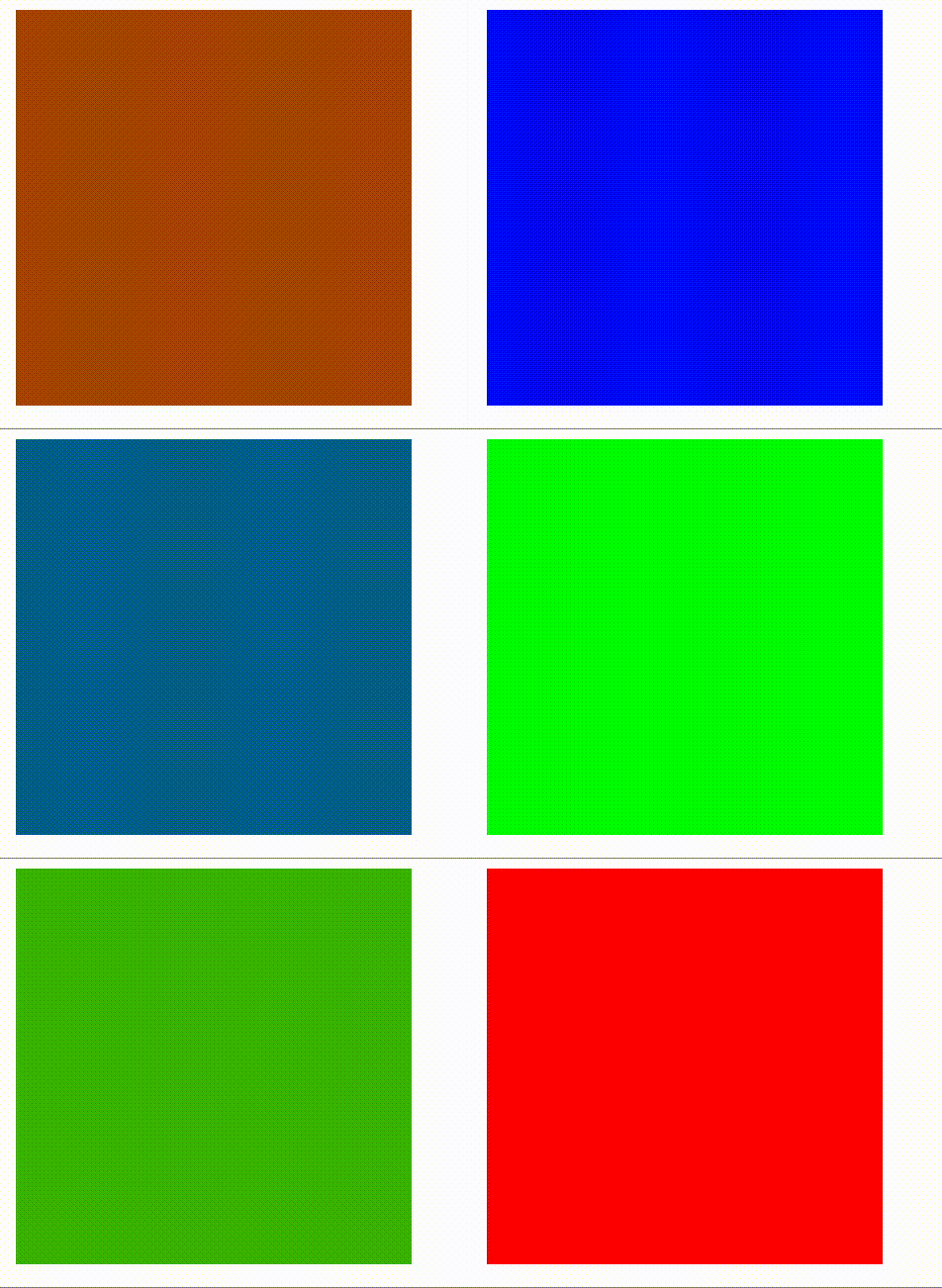
animationのプロパティを個別に設定する場合
以下のプロパティが存在する。
- animation-name アニメーション名(キーフレーム名)を指定
- animation-duration アニメーションにかかる時間(1回分)を指定
- animation-timing-function アニメーションの速度変化を指定
- animation-delay アニメーションを開始するまでの時間を指定
- animation-iteration-count アニメーションの繰り返し回数
- animation-directionアニメーションの繰り返し方法(再生方向)を指定
- animation-fill-modeディレイ中と再生後の表示状態を指定
- animation-play-state アニメーションの再生と一時停止を指定
animation-name
アニメーション名(キーフレーム名)を指定
@keyframesmy_anime{0%{background-color:#f00;}50%{background-color:#0f0;}100%{background-color:#00f;}}.animation_test{width:200px;height:200px;animation-name:my_anime;animation-duration:3s;}animation-duration
アニメーションにかかる時間(1回分)を指定
@keyframesmy_anime{0%{background-color:#f00;}50%{background-color:#0f0;}100%{background-color:#00f;}}.animation_test{width:200px;height:200px;animation-name:my_anime;animation-duration:3s;}animation-timing-function
アニメーションの速度変化を指定
@keyframesmy_anime{0%{background-color:#f00;}50%{background-color:#0f0;}100%{background-color:#00f;}}.animation_test{width:200px;height:200px;animation-name:my_anime;animation-duration:3s;animation-timing-function:ease;animation-timing-function:linear;animation-timing-function:ease-in;animation-timing-function:ease-out;animation-timing-function:ease-in-out;animation-timing-function:step-start;animation-timing-function:step-end;animation-timing-function:steps(6,end);animation-timing-function:cubic-bezier(.29,1.01,1,-0.68);}animation-delay
アニメーションを開始するまでの時間を指定
@keyframesmy_anime{0%{background-color:#f00;}50%{background-color:#0f0;}100%{background-color:#00f;}}.animation_test{width:200px;height:200px;animation-name:my_anime;animation-duration:3s;animation-delay:3s;}animation-iteration-count
アニメーションの繰り返し回数
@keyframesmy_anime{0%{background-color:#f00;}50%{background-color:#0f0;}100%{background-color:#00f;}}.animation_test{width:200px;height:200px;animation-name:my_anime;animation-duration:3s;animation-iteration-count:2.5;animation-iteration-count:infinite;/* infiniteで無限に繰り返す */}animation-direction
アニメーションの繰り返し方法(再生方向)を指定
@keyframesmy_anime{0%{background-color:#f00;}50%{background-color:#0f0;}100%{background-color:#00f;}}.animation_test{width:200px;height:200px;animation-name:my_anime;animation-duration:3s;animation-direction:normal;/* 順方向にアニメーション */animation-direction:alternate;/* 繰り返し時、偶数回は逆方向にアニメーション */animation-direction:reverse;/* 逆方向にアニメーション */animation-direction:alternate-reverse;/* 繰り返し時、奇数回は逆方向にアニメーション */}animation-fill-mode
ディレイ中と再生後の表示状態を指定
@keyframesmy_anime{0%{background-color:#f00;}50%{background-color:#0f0;}100%{background-color:#00f;}}.animation_test{width:200px;height:200px;animation-name:my_anime;animation-duration:3s;animation-fill-mode:none;/* 元のスタイルのまま */animation-fill-mode:forwards;/* 再生後、要素のスタイルは最後のキーフレーム状態のまま */animation-fill-mode:backwards;/* 再生前、要素のスタイルは最初のキーフレーム状態に戻る */animation-fill-mode:both;/* forwards, backwardsの両方を満たす */}animation-play-state
アニメーションの再生と一時停止を指定
@keyframesmy_anime{0%{background-color:#f00;}50%{background-color:#0f0;}100%{background-color:#00f;}}.animation_test{width:200px;height:200px;animation-name:my_anime;animation-duration:3s;animation-play-state:running;/* アニメーションは実行中 */animation-play-state:paused;/* アニメーションは一時停止している */}animationのプロパティをまとめて設定する場合
以下のような順番で設定が可能
animation: キーフレーム名 アニメーションにかかる時間 イージング 遅延時間 繰り返し回数 再生方向;
animation:sample_anime0.3sease-in-out3sinfinitealternateboth;